
iOS
Coming Soon
$29.99 USD

Standalone, VST and AUv3
Currently under development
Subscribe for news
7-day Free Trial
Lifetime bugfixes
1 year of major updates
Optional $14.99 USD updates any time after 1 year
Can’t afford Loopy Pro, or represent a school? Reach out.
LOOPY PRO
is
a friendly loopstation and DAW for iOS and macOS, with an infinitely customisable workspace.
the ultimate in creative freedom.
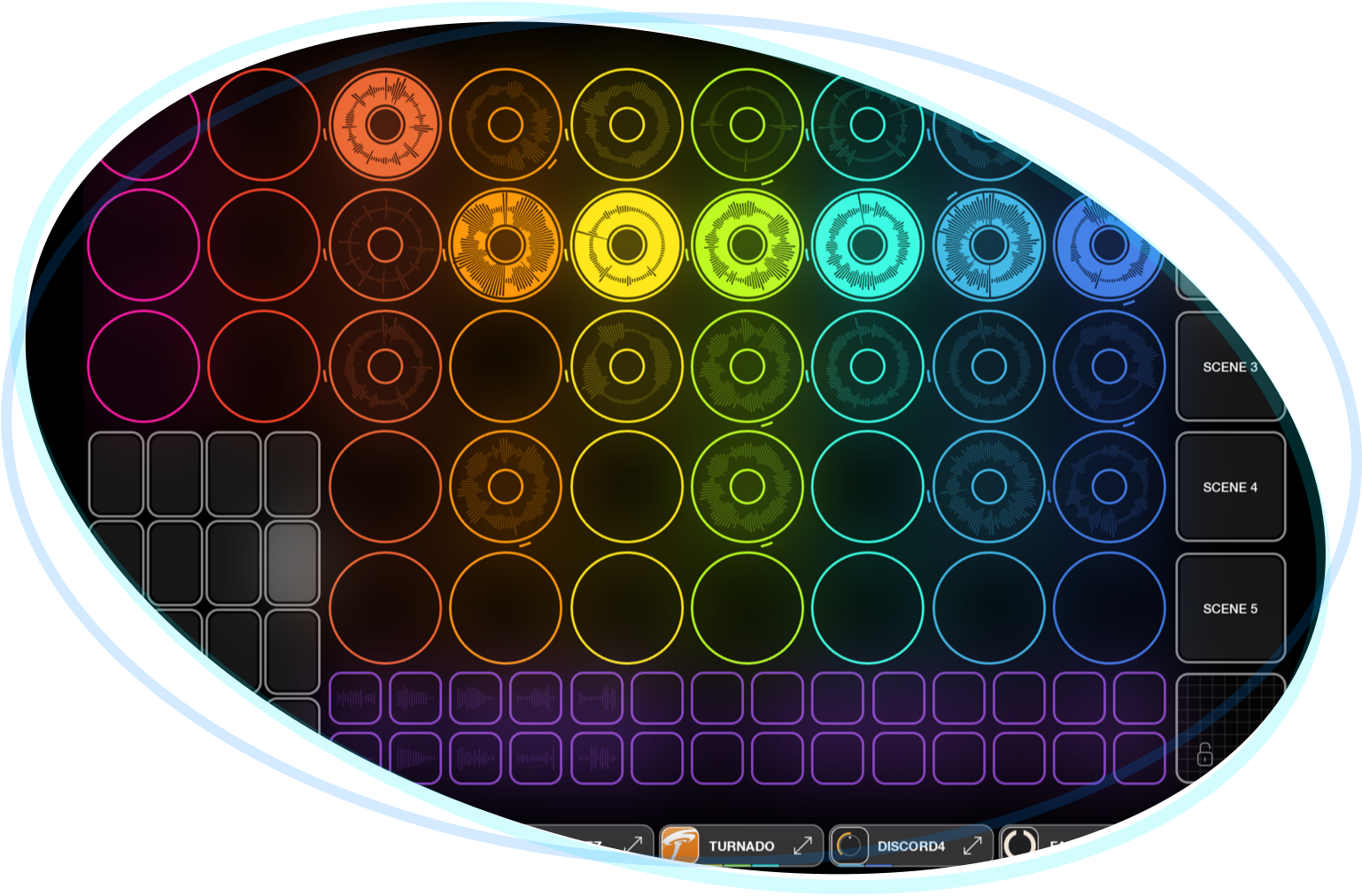
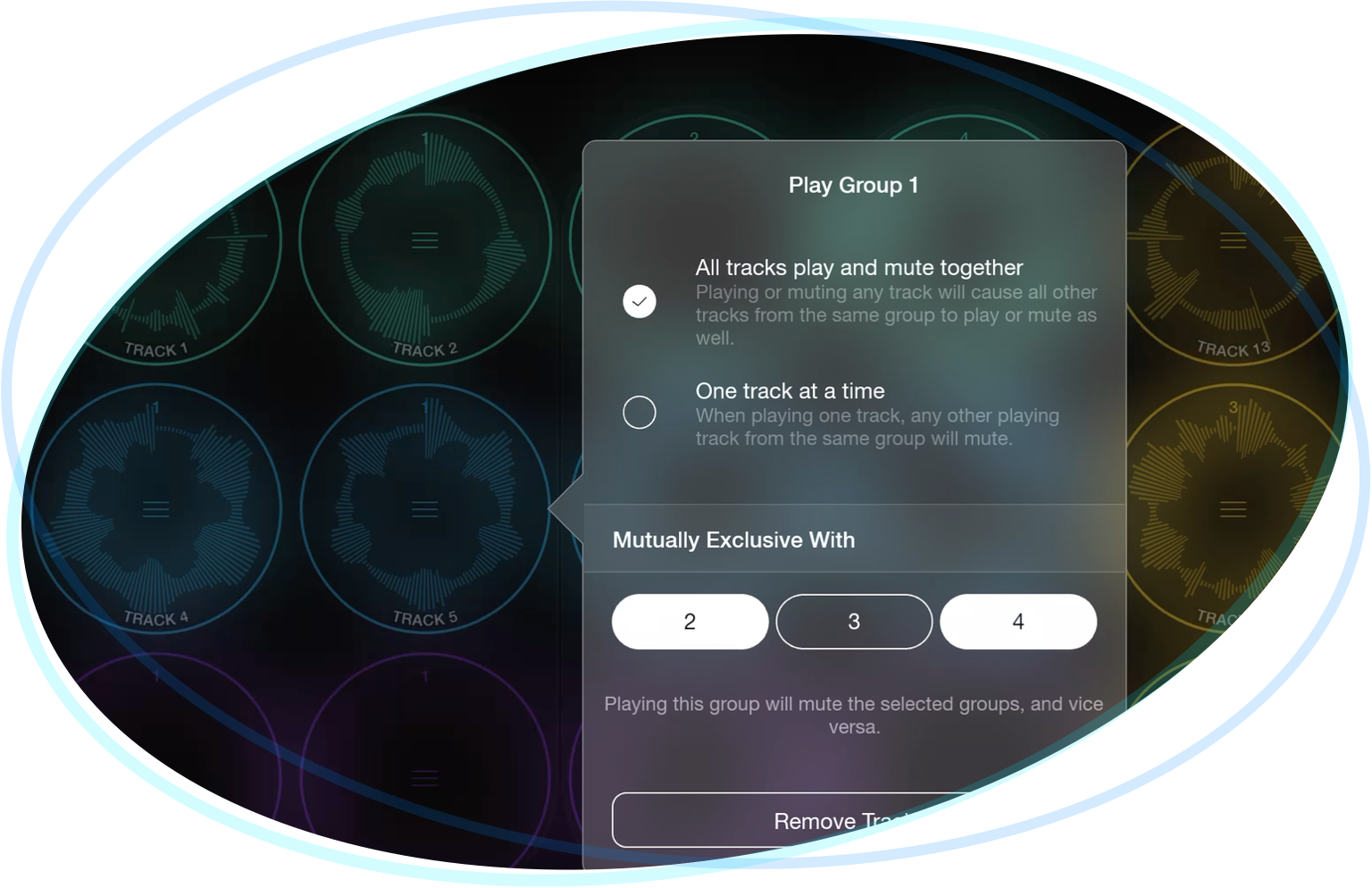
a highly configurable looper and clip-launcher, with unlimited tracks, sophisticated and flexible grouping/sectioning and automation.
if you can dream it, you can do it.
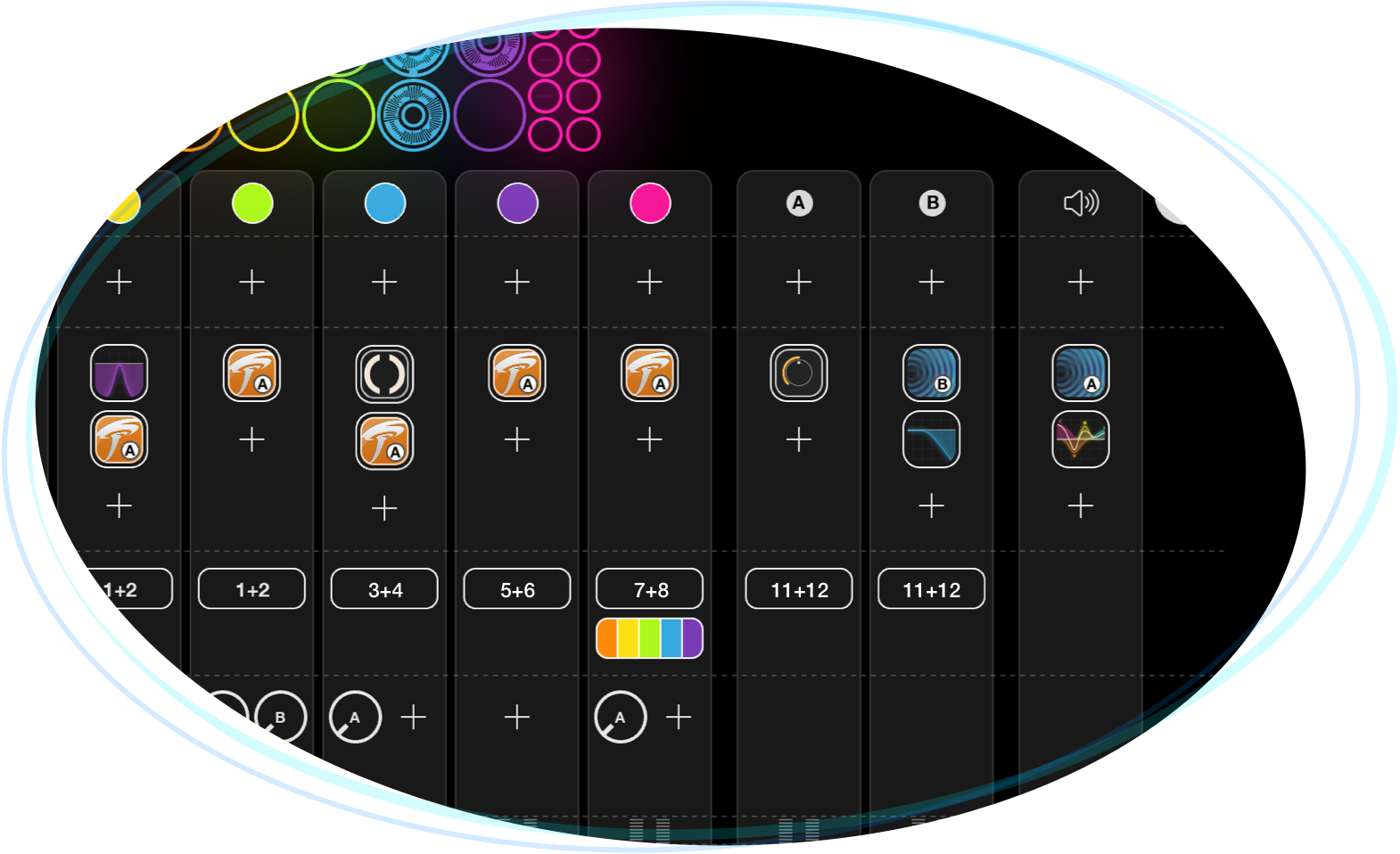
a fully-featured mixer and Audio Unit/VST host, with multi-channel audio routing, sends and buses, resampling and advanced MIDI routing options.
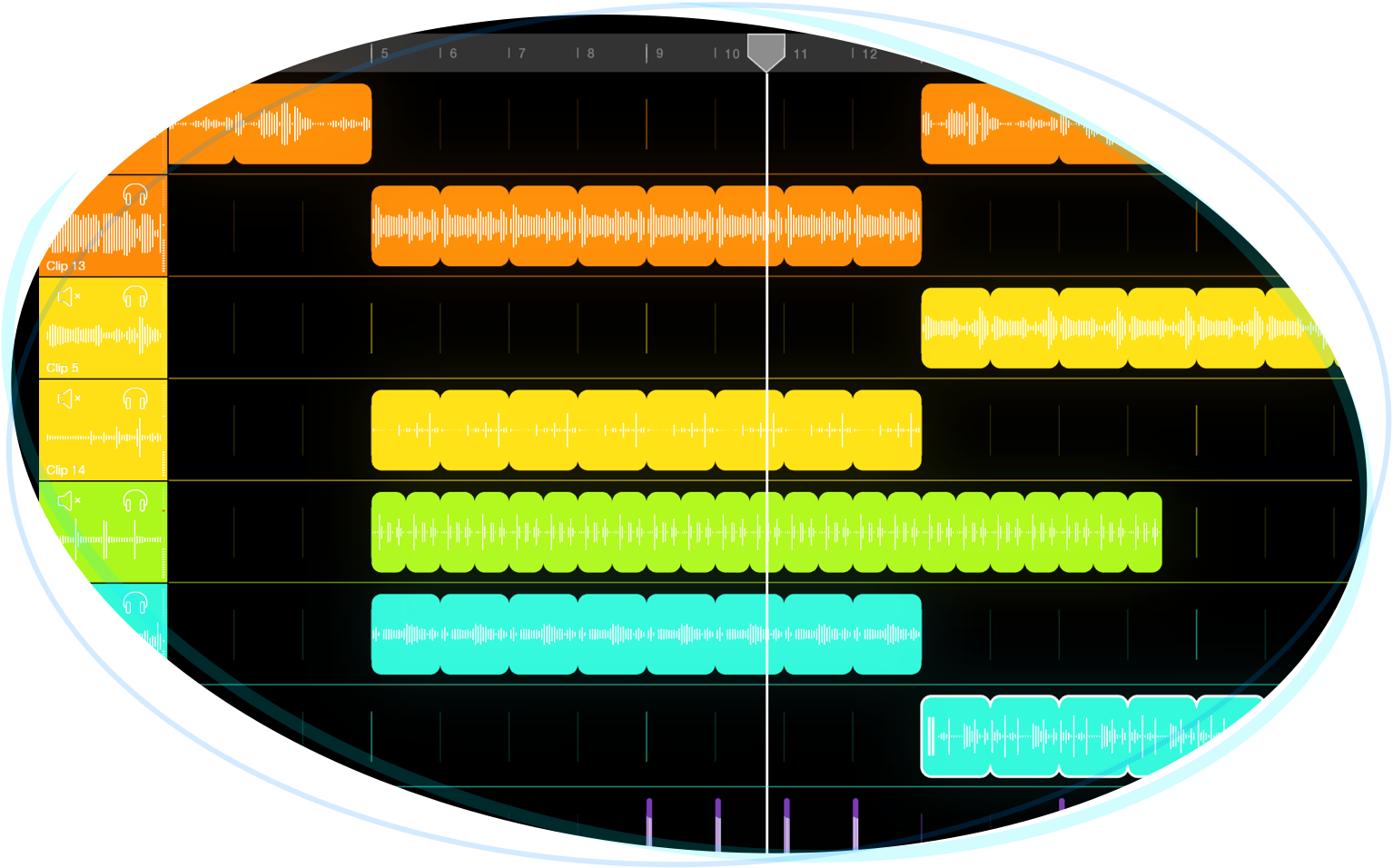
a multi-track sequencer for production and full set automation.
record your actions, then run your set fully hands-free, or save it for production later.
Features
- Unlimited loops and one-shot clips
- Totally customisable workspace canvas
- Deep MIDI controller support with MIDI Learn system
- Built-in support for Launchpad, AKAI APC40 mk2, MIDI Fighter Twister, with more to come
- Multi-track session recording, for capturing performances
- Sequencer system for recording, playing back and automating performances
- Unlimited undo and redo
- Sophisticated actions system for automation and customisation
- Button, dial, slider, and XY pad widgets
- Clip slicer, for playing a clip in segments, divided by transients or evenly
- Pitch-variable playback rate and reverse
- Top-quality time-stretching for live tempo changes and pitch adjustments
- Deep quantization and phase-lock configuration, with count-in and count-out settings
- Sophisticated sectioning, with play groups and follow actions
- Retrospective recording, for capturing prior audio
- Audio threshold recording
- Intro and tail recording, for capturing loop anacruses, and effect/acoustic tails
- AI-powered automatic loop detection
- Sophisticated built-in parametric EQ, dynamics system (combined compressor/limiter), reverb
- Support for AUv3 and VST effects and instruments
- Multi-channel input and output support
- Buses and sends
- Automatic echo cancellation for use without headphones, on iOS
- Ableton Link and MIDI Clock synchronization
- Built-in metronome with configurable sounds
- Top-quality 32-bit audio engine
- Small CPU and memory footprint
- Import audio via drag-and-drop, copy and paste, AirDrop, or through Files (on iOS)
- Open, consultative development roadmap
On the roadmap
- MIDI looping
- Polyphonic pitched sample playback
- Live cross-device workspaces: macOS to iOS, iOS to iOS
- Full automation in sequencer
- Sequencer clips, with automations
- Vinyl-style scratching
- Granular sample scrubbers
- Comping
- Separate full-screen visualiser/VJ engine
- Video loops
- Multi-threaded audio engine
- Warp/auto-quantize of clips via transients
- Straight audio tracks in timeline view, like traditional DAW
- Content packs
- And much more
Actions
Use Actions in Loopy Pro to configure your own custom behaviour. Use Actions with on-screen widgets – buttons, dials, sliders and X-Y pads – to configure the workspace to work how you need it to. Use Follow Actions to chain actions to clips. Use MIDI Learn and Loopy Pro’s MIDI control system to bind actions to incoming MIDI triggers, to program any MIDI hardware.
- Play, stop, or toggle clip playback
- Solo a clip, or an arbitrary set of clips
- Record/overdub a clip
- Clear a clip
- Adjust clip or clip group volume, balance, pitch, or speed
- Multiply or divide clip length
- Merge two clips
- Play or pause the project’s timeline
- Adjust a send parameter
- Enable or disable an effect
- Adjust effect parameters
- Switch between effect presets
- Undo and redo
- Peel and replace loop layers
- Seamlessly switch between projects in a set list, with optional crossfade or effect decay overlap
- Switch between audio sources
- Switch between workspace pages
- Adjust the project tempo
- Jump forward or backward in the project timeline
- Send a MIDI message