![]()
Loopy News!
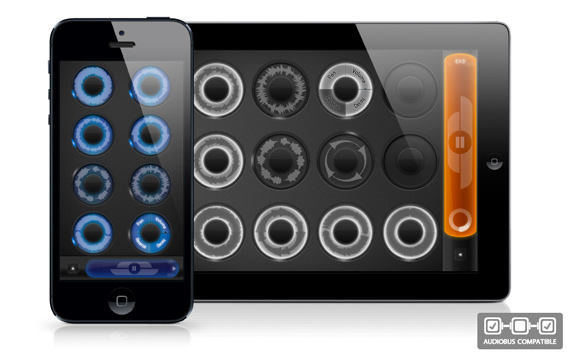
I’m happy to announce Loopy HD 1.4 and Loopy 2.5 – a significant update that brings the features most frequently requested by users: Reverse and decay.
Also – Loopy HD is 50% off!
You can access the new effects via the track menu, which can now be rotated to access the new menu items.
Reverse will play the track back in the reverse direction – you’ll see the position indicator move in the opposite direction. You can still do everything you usually can with reversed tracks, including position offsetting, overdubbing and merging.
Decay works while you are overdubbing a track: While it’s enabled, it will eat away at your track audio as you overdub new audio on top of it, fading away old layers as you make new ones.
There’s also a change to the way you finish track recordings: Now, when you punch out, Loopy will count out to the next cycle. That means you can tap the track at any time, and it’ll automatically end on the next cycle. To punch out immediately, tap twice. The first tap begins the count-out, and the second tap ends straight away.
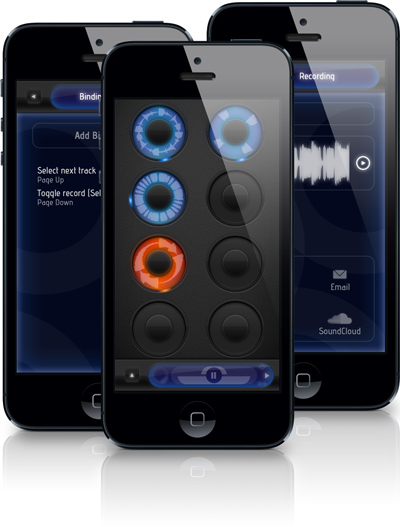
New actions that can be triggered via MIDI or Bluetooth:
- Toggle fading
- Mute and play next muted track
- Toggle record, mute, then start recording next track
More changes:
- New tracks recorded that are multiples of the clock now always start at 12 o’clock
- Audio engine tweak to now have sample-level latency compensation accuracy
- Fixed bug with count-in quantize slider resetting
- Fixed timing problem with blank loops from saved/autosaved sessions
- Fixed an issue with recognizing MIDI note controls
- Fixed some problems with re-record feature
- Redesigned tutorial system
- Make panel display selector always move in one direction when tapped on iPad
Loopy HD and Loopy are available on the App Store right now.


Loopy update, now fully accessible via VoiceOver!
“Loopy HD. Double-tap to open.”
Loopy’s now VoiceOver-accessible for blind users!
Here’s what else is new:
Please note: As of this version, Loopy’s no longer iOS 4 compatible. If you are one of those users still on iOS 4, I recommend you back up the existing version of Loopy prior to updating, by right-clicking Loopy in your apps list in iTunes, and clicking “Show in Finder”, then copying that file somewhere safe.