Reginald RegEx explorer
With a desperate need to debug a lengthy regular expression destined for use with the excellent RegexKitLite library, I have quickly put together a Mac OS X application.

Reginald is a kindly old gentleman devoted to assisting you with those tricky regular expressions.
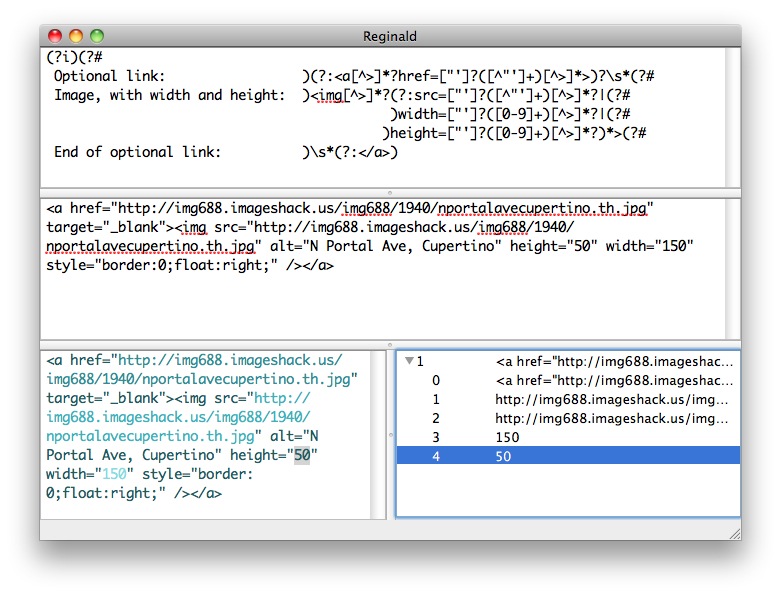
Provide some sample input, and your regular expression, and Reginald will provide you with colour-coded output and a list of all your matches and the corresponding capture groups for your exploration. Select a match or capture group in the list to the right, and the corresponding text will be selected in the panel to the left.
Reginald is built on RegexKitLite, and so uses the ICU syntax.
It will run on Mac OS X 10.6 and above.
Download Reginald here, or access the source on GitHub.


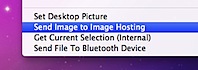 Under Snow Leopard, I can right-click on an image in Finder, click ‘Send Image to Image Hosting’, type in a title, then paste the URL that’s automatically been put onto my clipboard into a tweet.