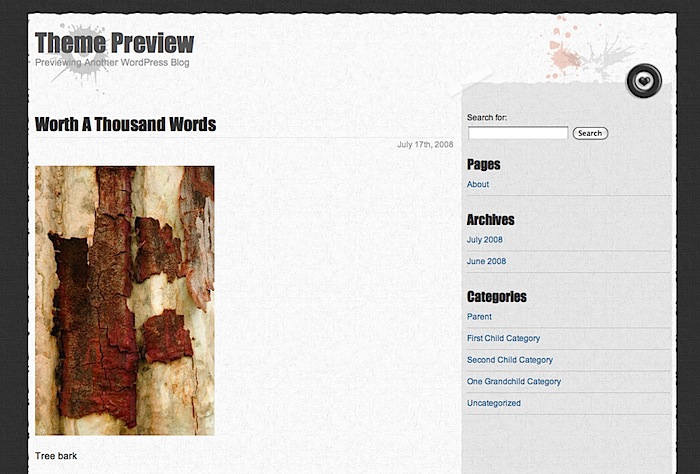
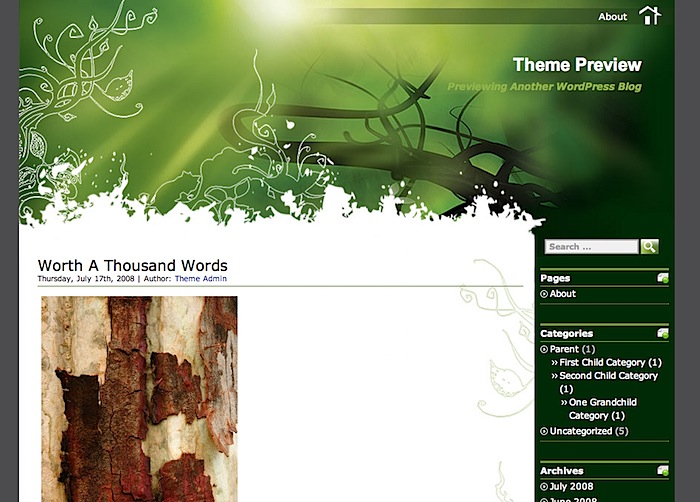
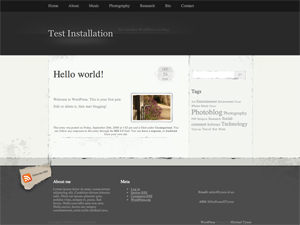
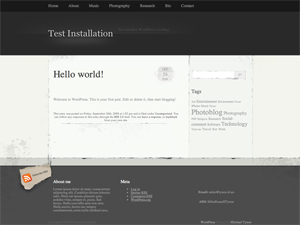
This post describes a method to gain more control over the styling of images for web templates/blog themes, using a bit of Regular Expression magic. This is the technique used for my recent theme, Elegant Grunge.
You’ve just designed the most beautiful template ever – pleasing composition, clean lines, smooth colours and gradients and an awesome typeface. You apply it as the theme for your blog, or release it to the community, and there is much rejoicing.
Then you or someone else inconsiderately puts a photograph into a post – disaster! That nasty square of graphic just destroyed your composition, and the page is unbalanced and suddenly looks terrible.
Images are particularly tricky to make work with a theme, mostly because they’re so unpredictable. With text, it’s easy to control the way it looks. With images, they can be any colour or shape, many of which will break the composition of a theme, especially if the design elements of the theme contains irregular lines.
A big impediment to making images work is the limitations introduced by the current versions of CSS: All you can really do is provide a square border, possibly with some padding. That’s it, unless you’re willing to manually add tons of markup around images every time – and willing to make your users do it, if you’ve released a theme.
Some people will carefully Photoshop-up their images to make them fit – Webdemar (who made the theme I first used on my blog) does this, for example, and it looks great. That’s a lot of work, though, especially if you make frequent posts with images!
If you’re a theme designer, there’s an easier way to make images work.
Read More »
RSS aggregation for PHP
I have written a mechanism in PHP that can take several RSS feeds, filter and manipulate them, and re-display them in either RSS or straight HTML.
This can also manipulate content (through the preg_replace function, and configurable per-feed), such as removing names from Twitter entries. I’m using it on loopyapp.com to show all relevant items from both this blog and my Twitter feed automatically, as an alternative to creating a separate blog. I’m also using it on this blog, to incorporate blog entries and Twitter postings.
It uses the MagpieRSS RSS parser for PHP, which provides some nice functionality, including caching.
Here’s the code: aggregate.zip
To use it, unzip it to somewhere in your webroot, then edit aggregate.php and possibly rss.php to set your configuration. Make sure that either the aggregate directory is writable, or create a ‘cache’ directory within and make that writeable, to enable caching. Point your web browser to the rss.php file to immediately view an RSS feed aggregating your supplied feeds. To add a link to the RSS from a website, add it in the header:
To include content in a website, the provided render_aggregate_items function will do most of the work, or you can write your own rendering code. You just have to include the file, use the functions to obtain and draw the content, and then provide your own CSS styling. Example:
A more comprehensive example is in sample.php.
The code is GPL, so use it however you want – keep the header comments there, though.