Searching iOS header files with Xcode
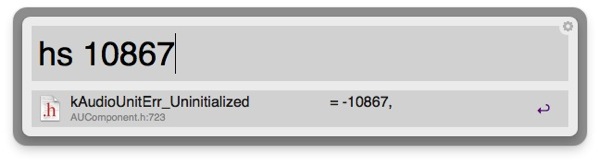
I’m often having to grep through various iOS frameworks in search of error codes that appear (“What the bloody hell does -10867 mean?”). This can be a bit annoying – especially while working with Core Audio – so I put together an Alfred workflow that does it for me.
Here it is – type “hs” (short for “header search”) then the text you want to search for, and it’ll give you matching results. Hit enter to open that file:line combination in Sublime Text, or edit the action script to work with the editor of your choice.
Search Xcode Header Files.alfredworkflow
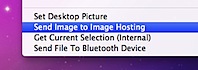 Under Snow Leopard, I can right-click on an image in Finder, click ‘Send Image to Image Hosting’, type in a title, then paste the URL that’s automatically been put onto my clipboard into a tweet.
 I recently found two Finder toolbar scripts which are really going to make my life easier.