Convert text to iTunes audio book
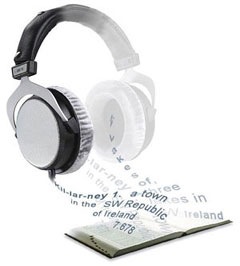 After reading a hint on macosxhints on how to create an audio file from text, because I wanted to keep reading my book while I was driving, and figured that holding the book in front of me probably wasn’t the best option, I figured the process could probably be streamlined a bit.
So, I’ve made a service which appears in the Services menu and operates on selected text. So, select it in Safari, or from an eBook in Preview (or Textedit if it’s just plain text), and click ‘Speak to iTunes Audio Book‘ to speak the text into a track in iTunes that will appear in ‘Audiobooks’.
Read More
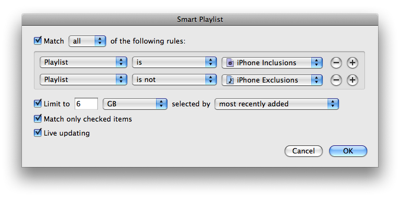
 I used to manually choose the tracks to sync to my iPod Nano, but now I have 7-something gig to play with on the iPhone, it’s a bit too much. Instead, I use smart playlists to select which tracks to carry with me.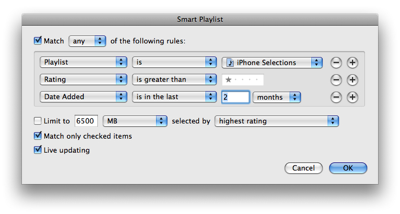
 I read reports that Inquisitor was broken on Leopard because the InputManagers system has changed/been disabled.
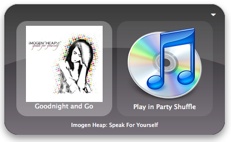 I tend to play a fair bit of music while I’m working; sometimes I want to hear something in particular, and sometimes I’m happy to just let the shuffle do it’s thing (although some tracks I’ll skip).
 A seemingly unavoidable trait of all operating systems is the notorious slow-down – it doesn’t seem to matter how nicely you treat the system, after a few months it’ll start grinding to a halt (or is it just me?). This has happened to me in Windows, Linux and OS X, and it drives me absolutely crazy. The only way I knew to go back to a zippy system was to reinstall the whole system, which is pain, pain, pain.